
Parquet
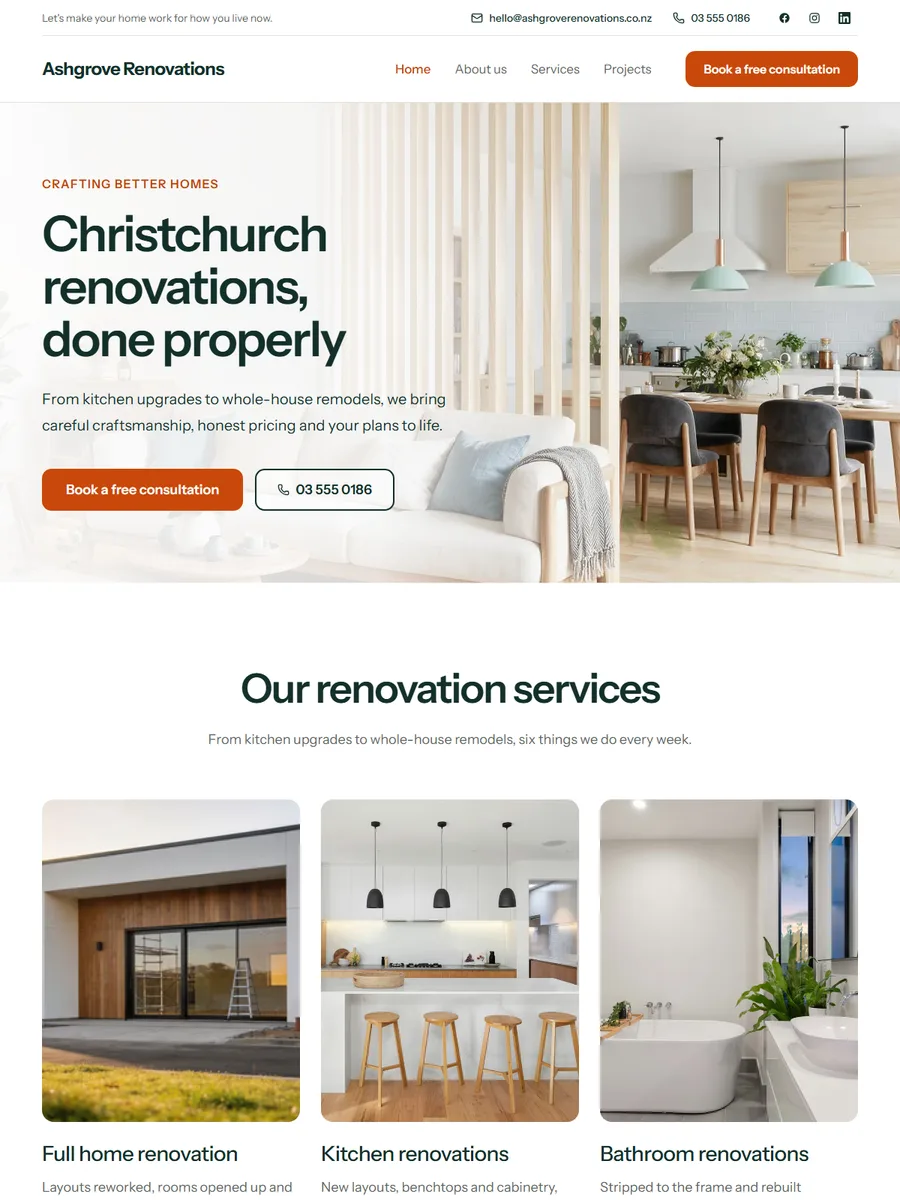
Deep green, one hot orange, and your work large
They’re deciding between you and three other quotes.
EasyPage is a website builder designed specifically for New Zealand builders. Pick a design built for builders, answer a few questions, and we write the first draft for you. Every job gets its own page with the place, the year and the photos. Live today.
15 min
Live in fifteen minutes
Pick, fill in, publish.
$29
A month + GST, NZ domain included
Launch price, normally $39 + GST.
Domain
Your own address
Renewed every year, not just the first.
18
Designs for builders
Finished, working websites.
Tuesday night, three tabs open
They look at three or four, for a week, and the one they call is the one whose finished work looks most like the thing they are imagining. A builder's site is a portfolio with contact details attached, and it is being read slowly
Step 1
Yours and two others, on a laptop, after the kids are down. Nothing is urgent, so nothing stops them closing one.
Step 2
Same suburb, same scale, same era of house. Every project gets its own page with the place and the year on it.
Step 3
Quote, consent, build, handover. The question a nervous client has is what happens after they sign.
Step 4
LBP, Master Builders, the guarantee you offer. On a six-figure job this is the part they read twice.
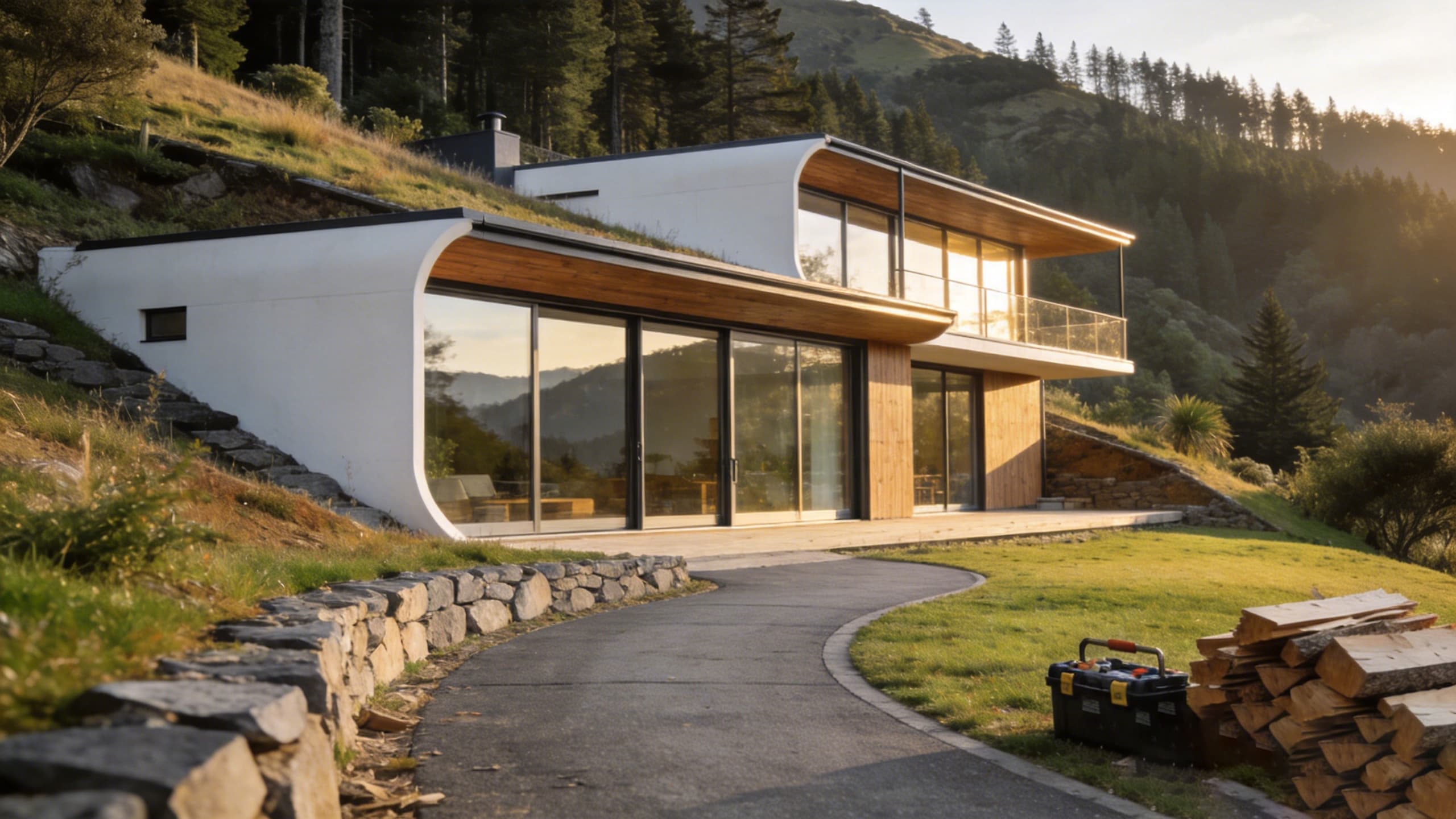
What you get
Projects with the place and the year on them
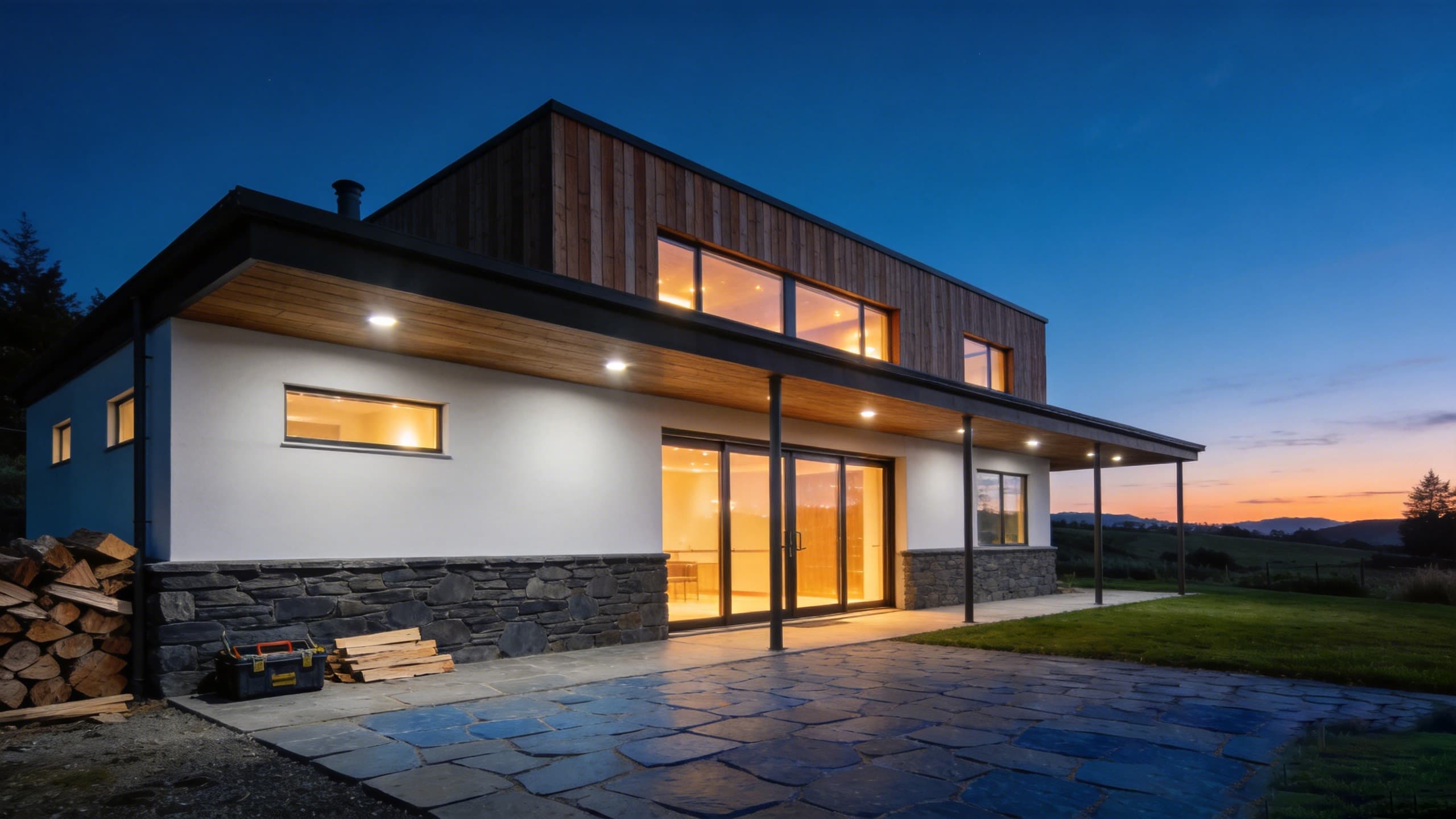
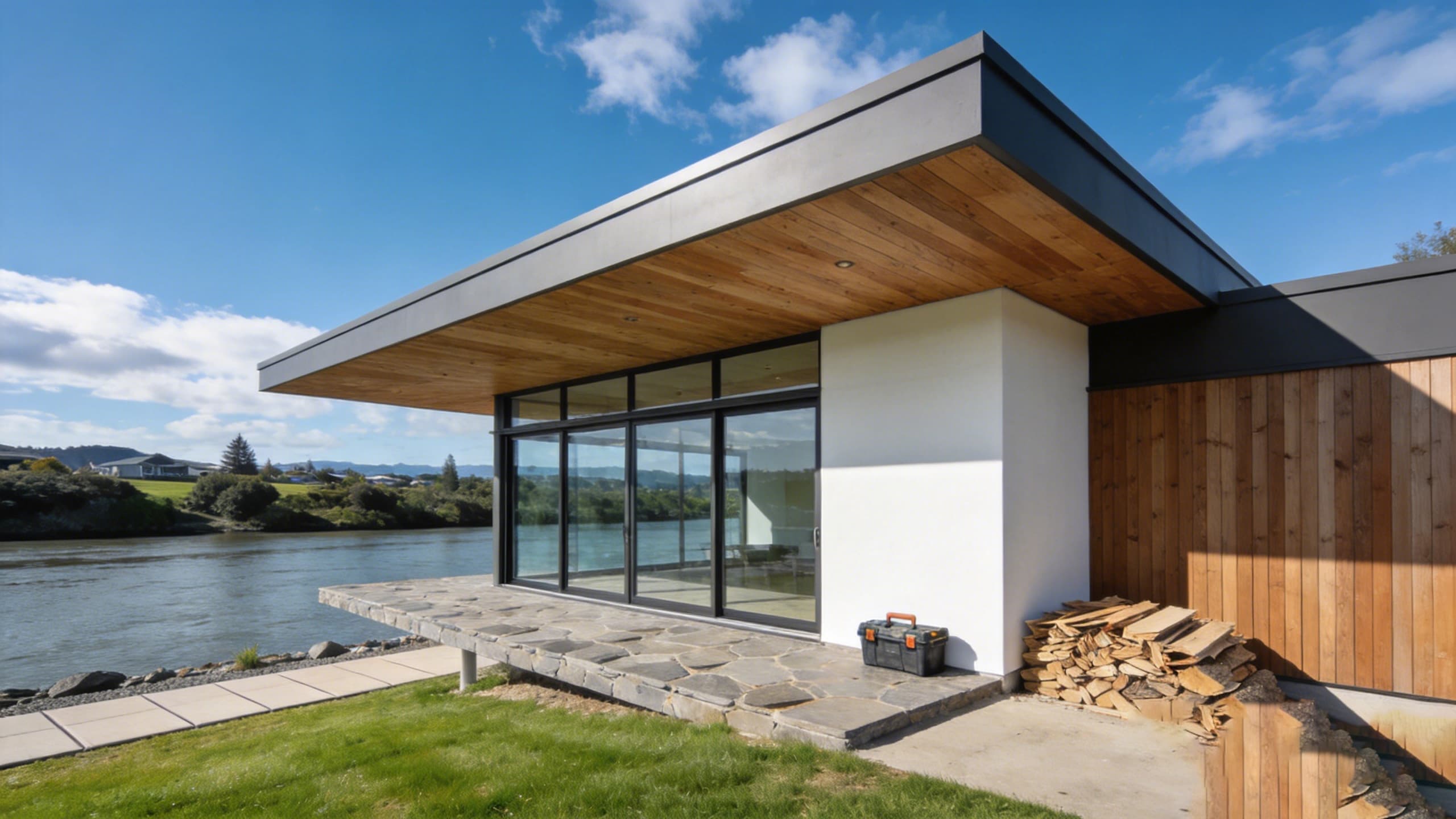
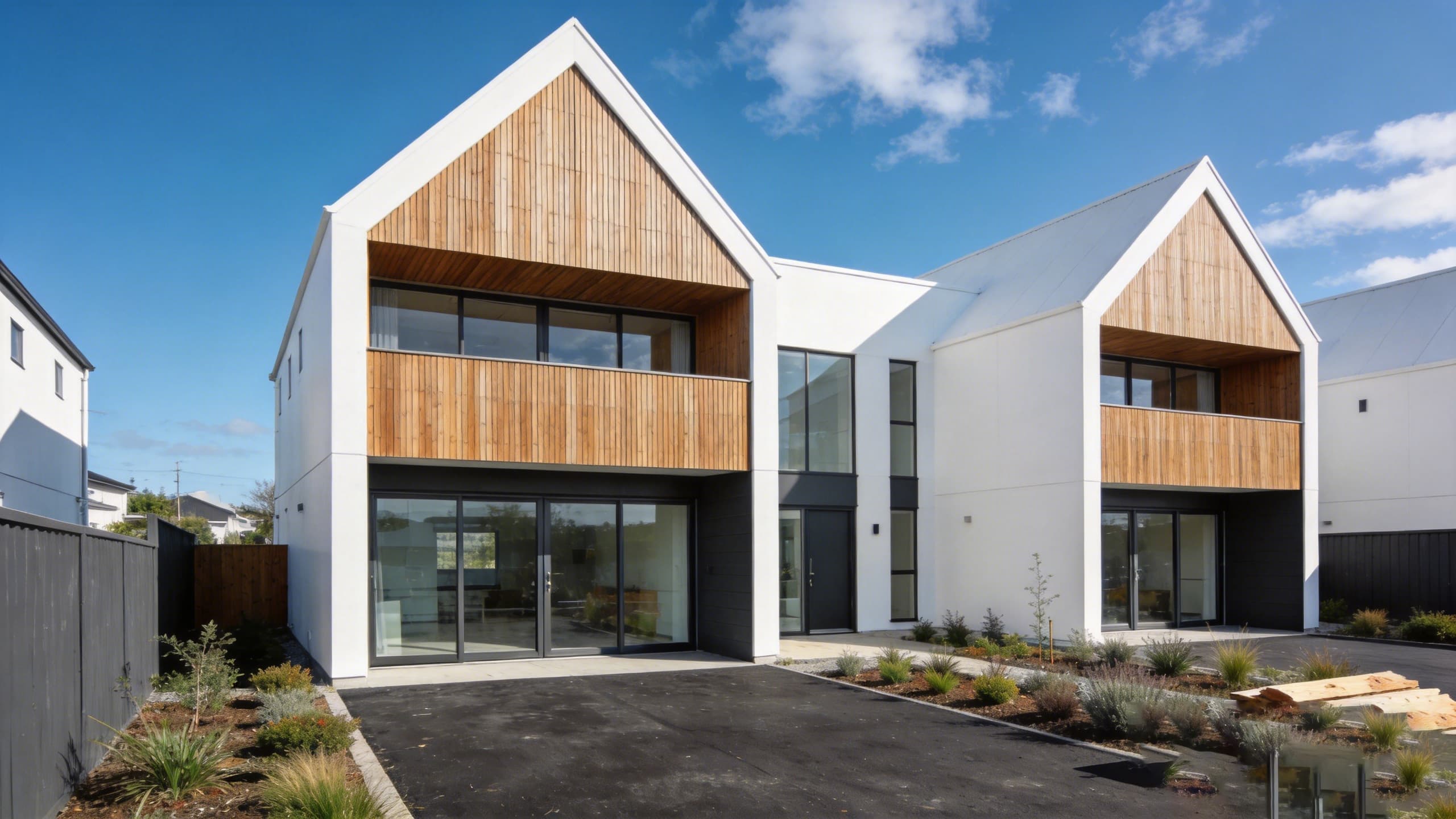
Not a gallery. Each job gets its own page with a description, a cover photo and extra photos — so somebody can find the one that looks like their own project and read what it actually took.
Room to explain how you work
There is a section for the steps of a job, in order, because the question a nervous client has is what happens after they sign. Quote, consent, build, handover — written once, shown on the home page and the About page.
The team, with names
A twelve-person firm and a one-man band are different purchases. The team section lets you show which one you are, with photos and roles, or switch it off if that is not the point.
Master Builders, LBP and the guarantee
Trust points sit near the top on most of our builder designs, and there is a field for the guarantee you offer. On a hundred-thousand-dollar job this is the part people read twice.
Sixteen designs to choose from
More than any other trade we cover, because builders' work varies more — architectural, renovation, light commercial and civil do not want the same page. You can switch design later without retyping anything.
The designs
Deep green, one hot orange, and your work large
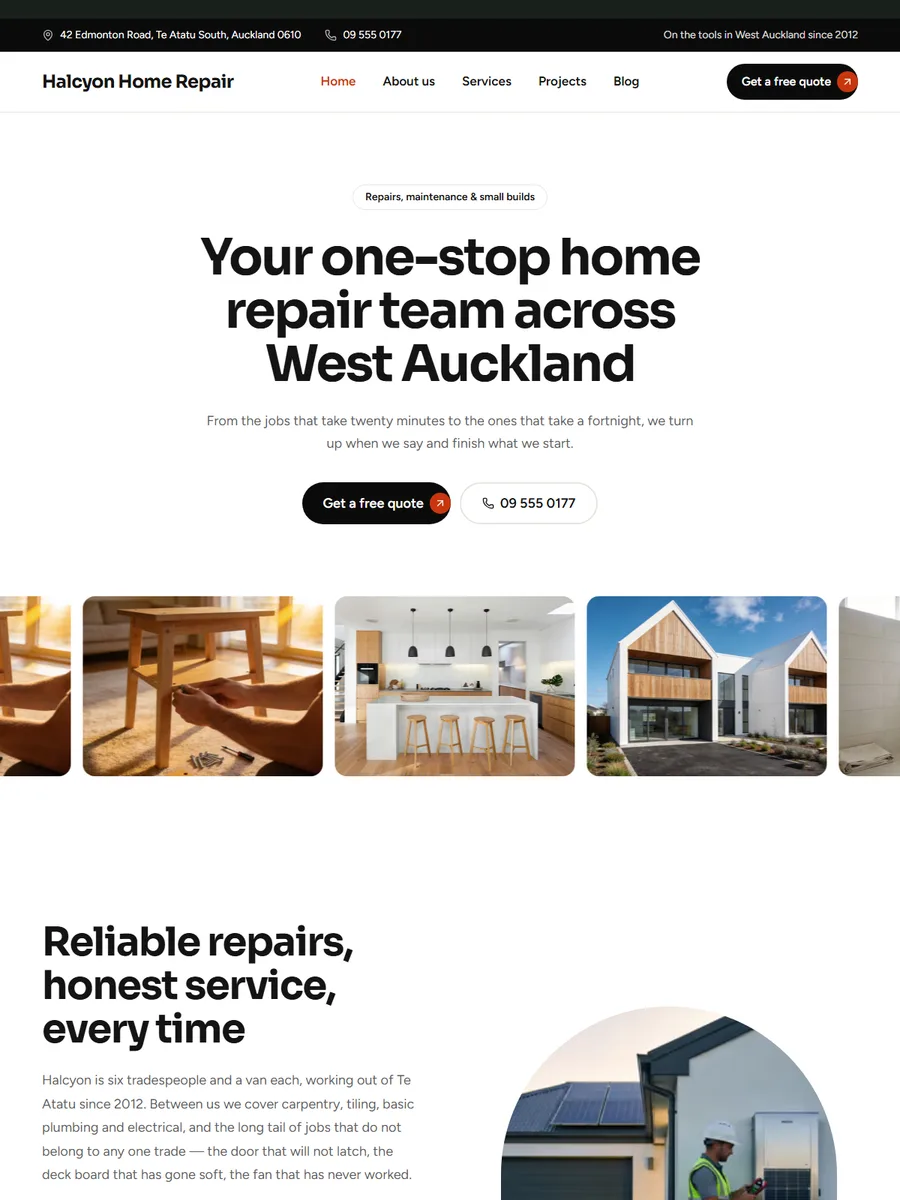
A banner with no photo in it, and your work scrolling underneath
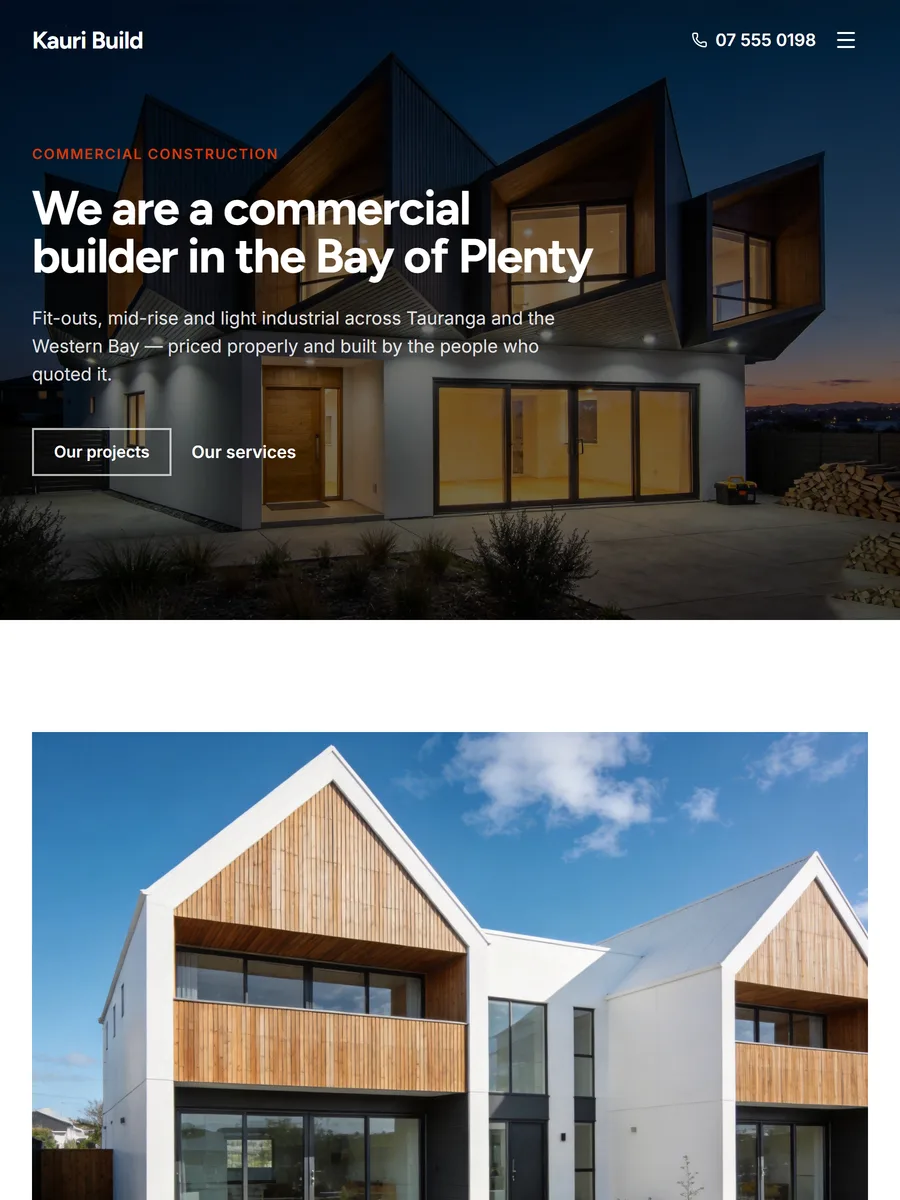
Hard edges, a hot accent, and a services band in near-black
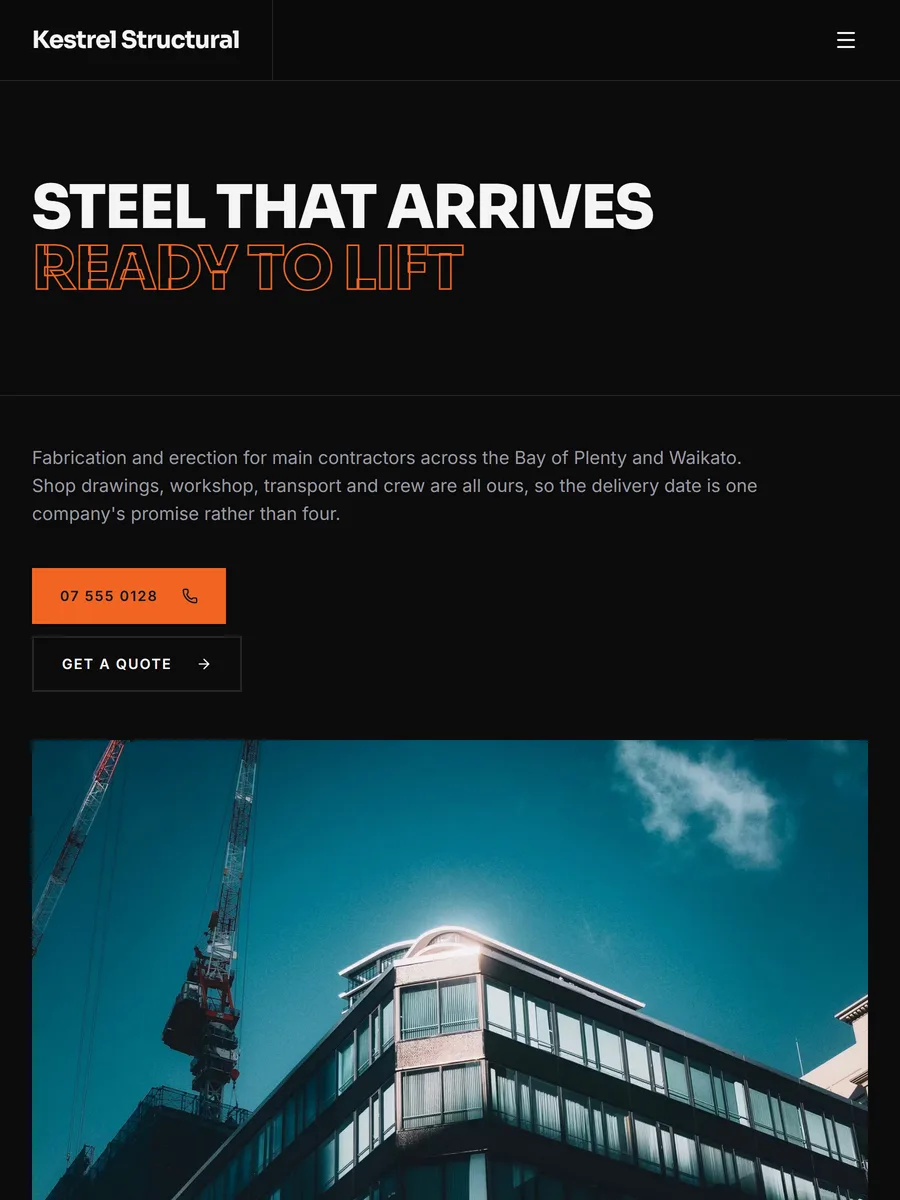
Near-black, ruled like a drawing, with the headline half outlined
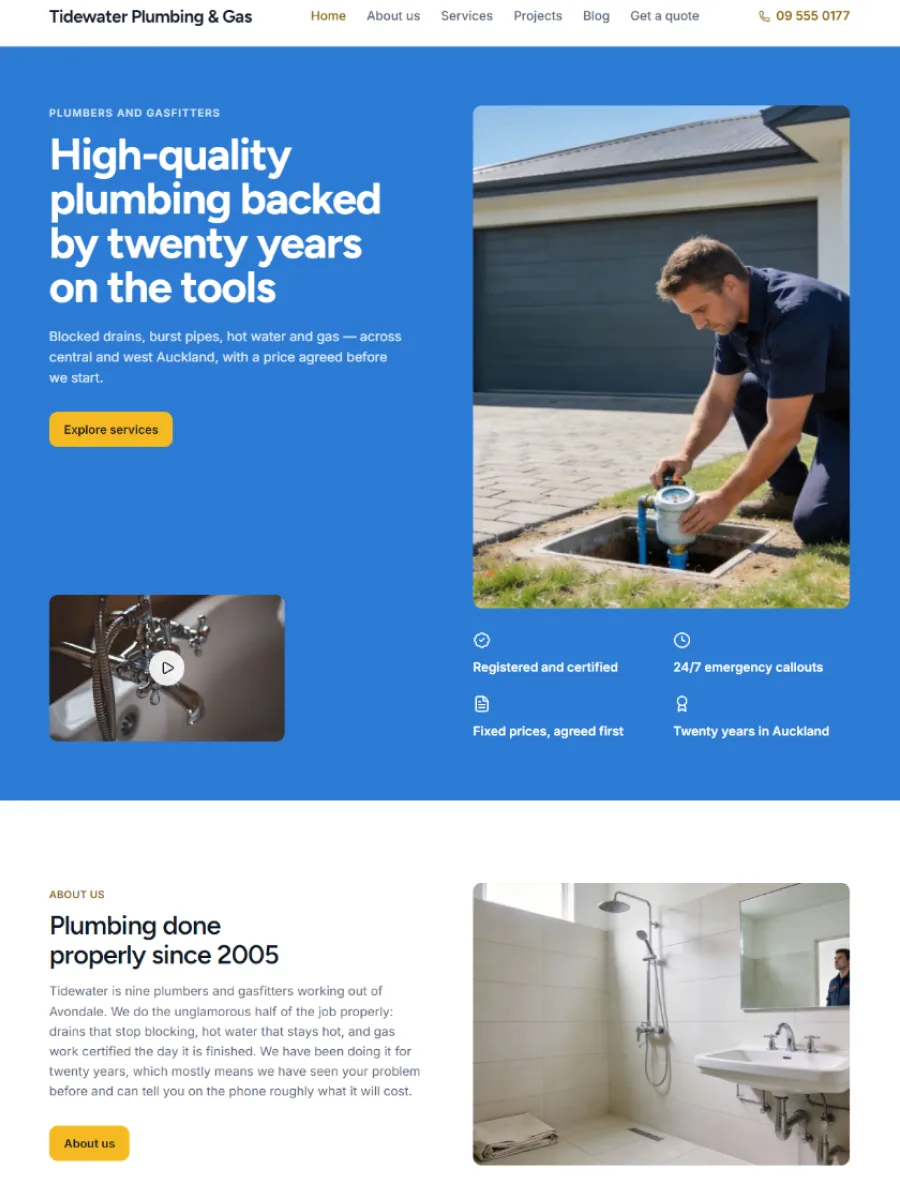
A flat blue banner with your video in it, and the job explained in four steps
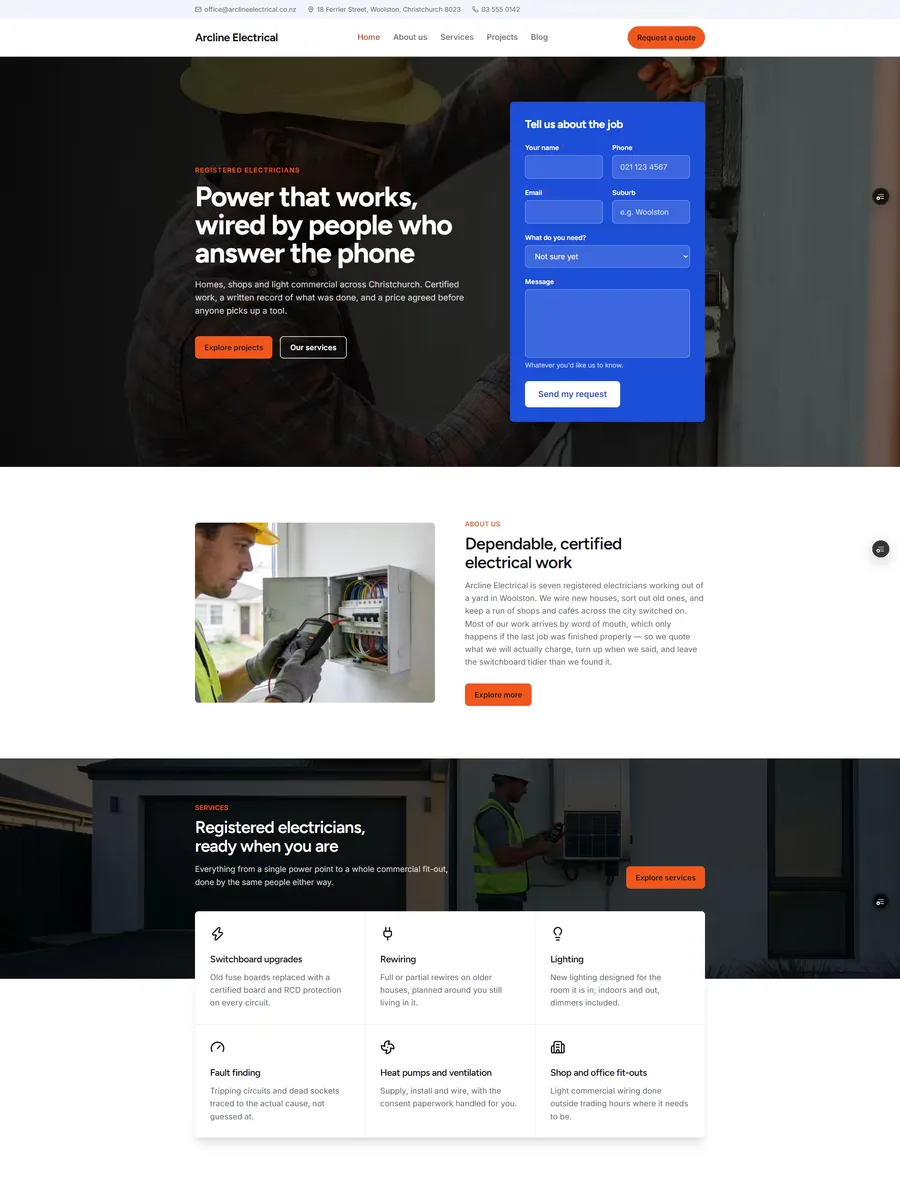
A quote form inside the hero, and the steps of the job spelled out
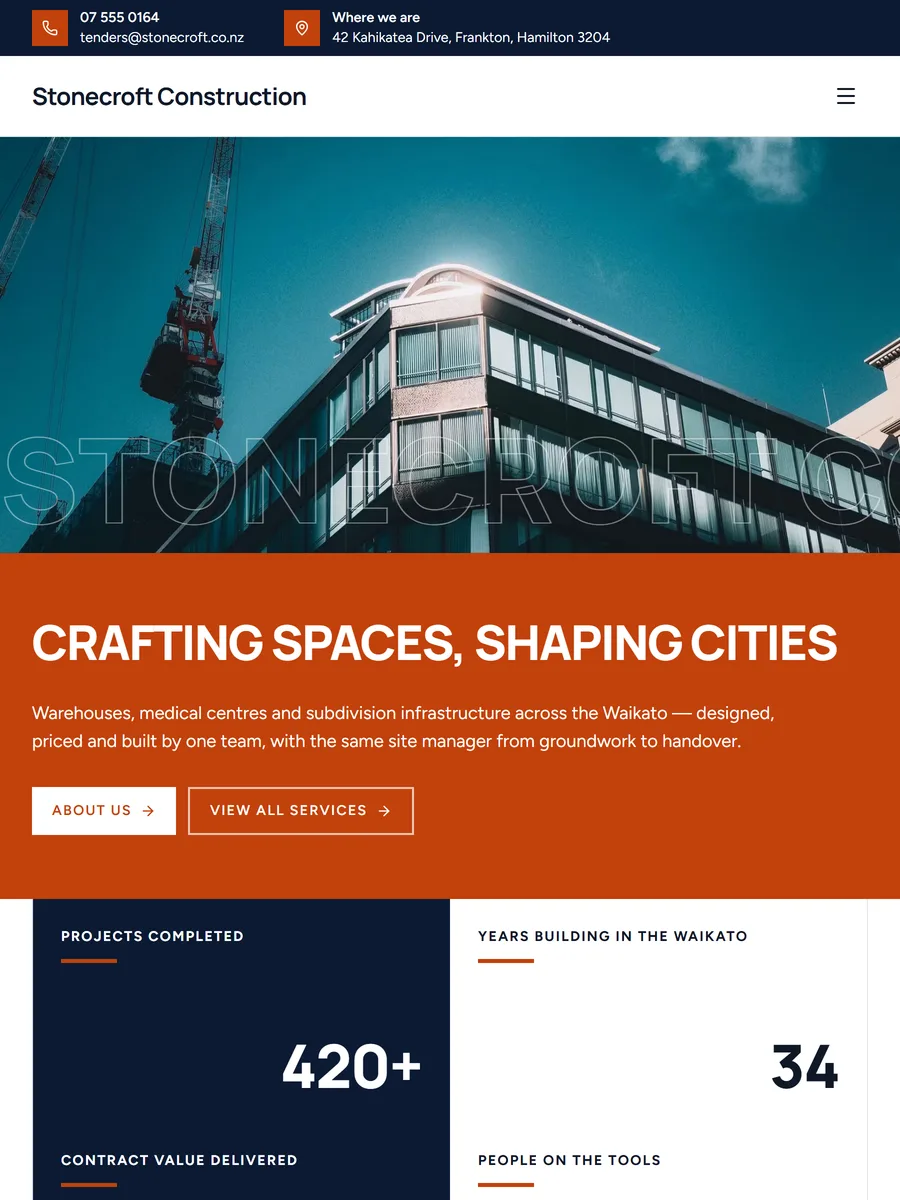
A photo on top, the words in a colour band underneath
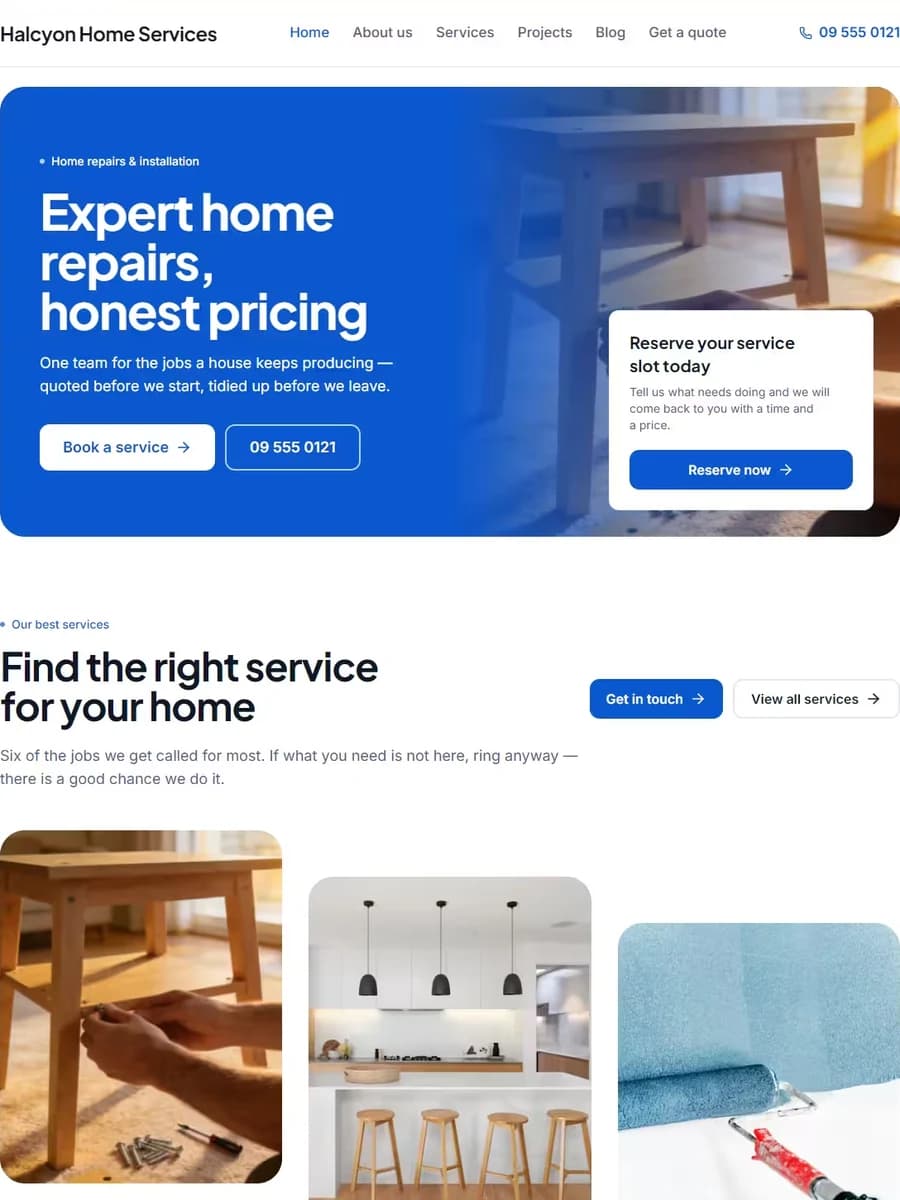
One big rounded panel, used three times, in your colour
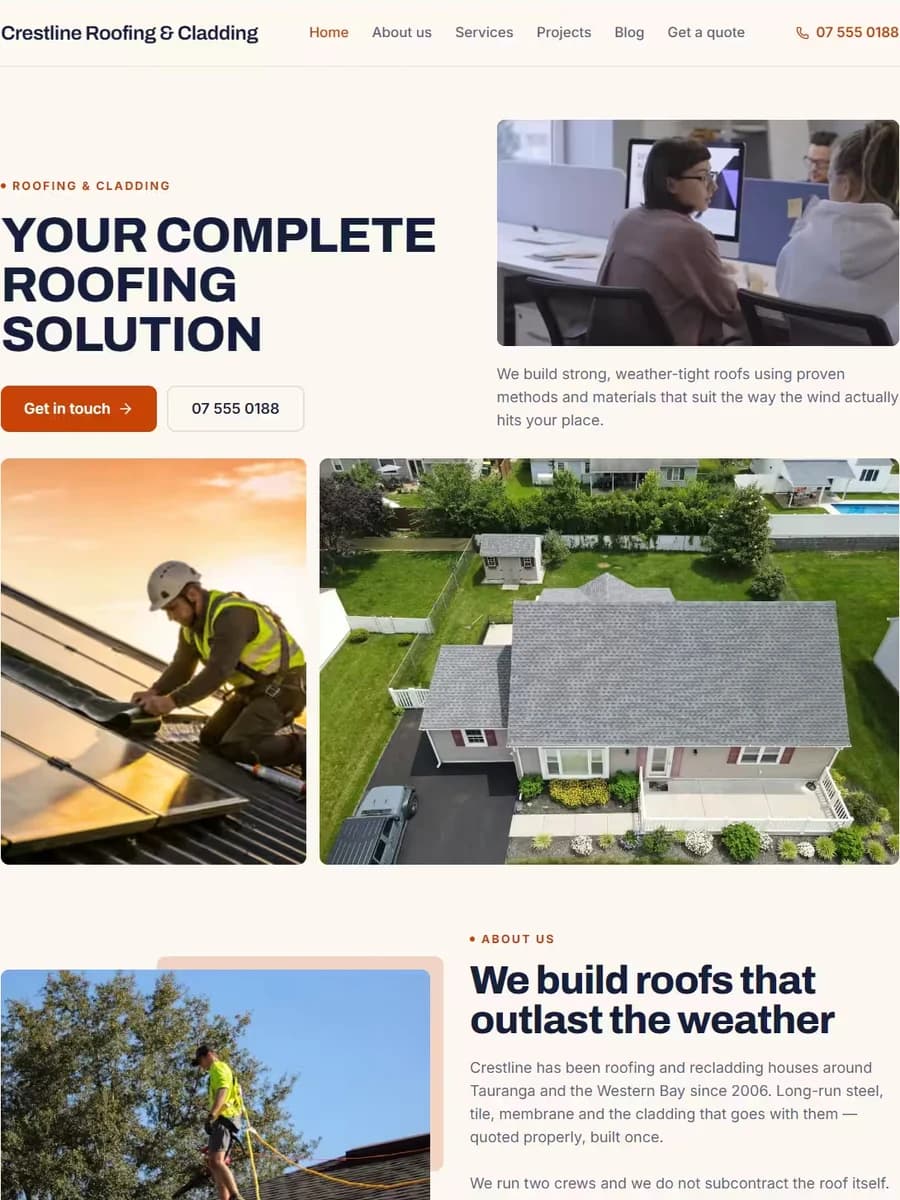
A banner split two ways, and the work hanging off a dark band
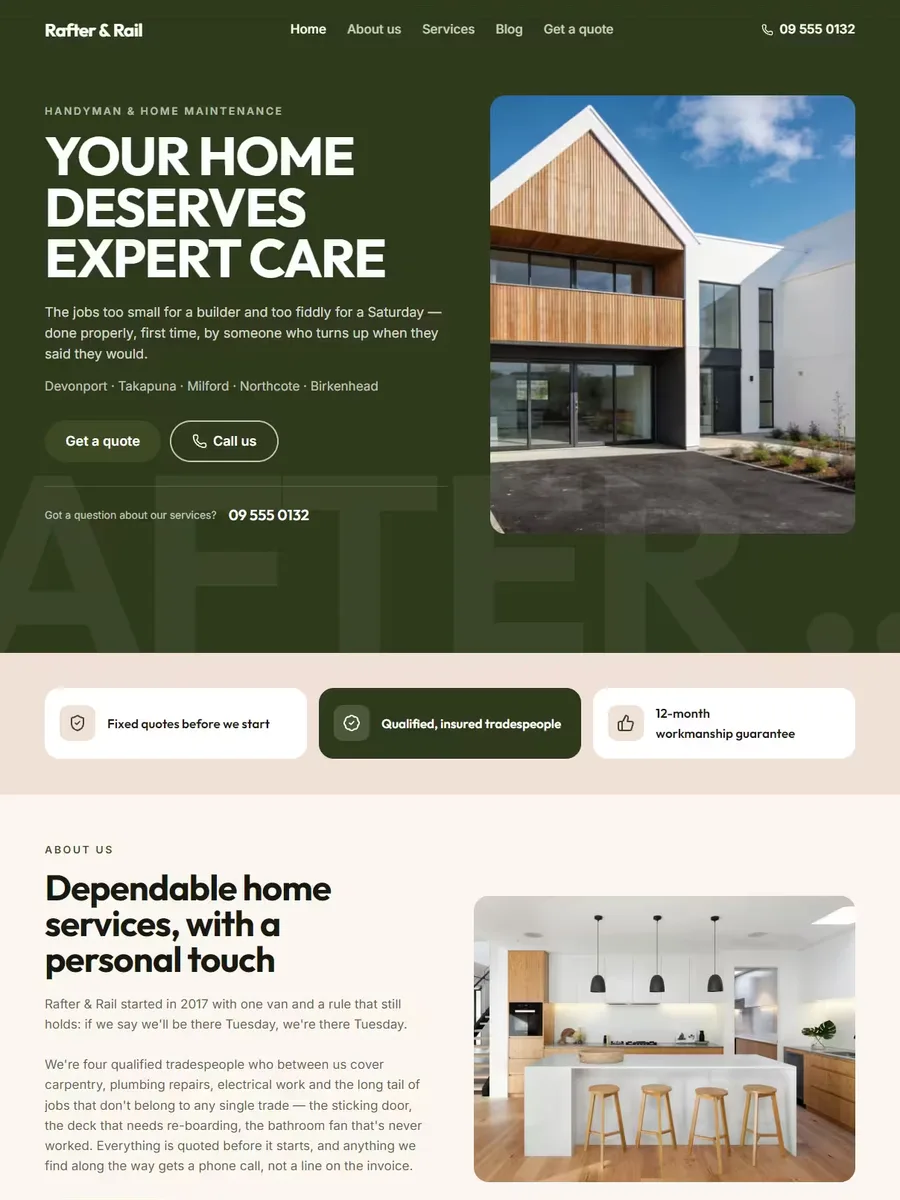
A deep forest field, and services that stack as you scroll
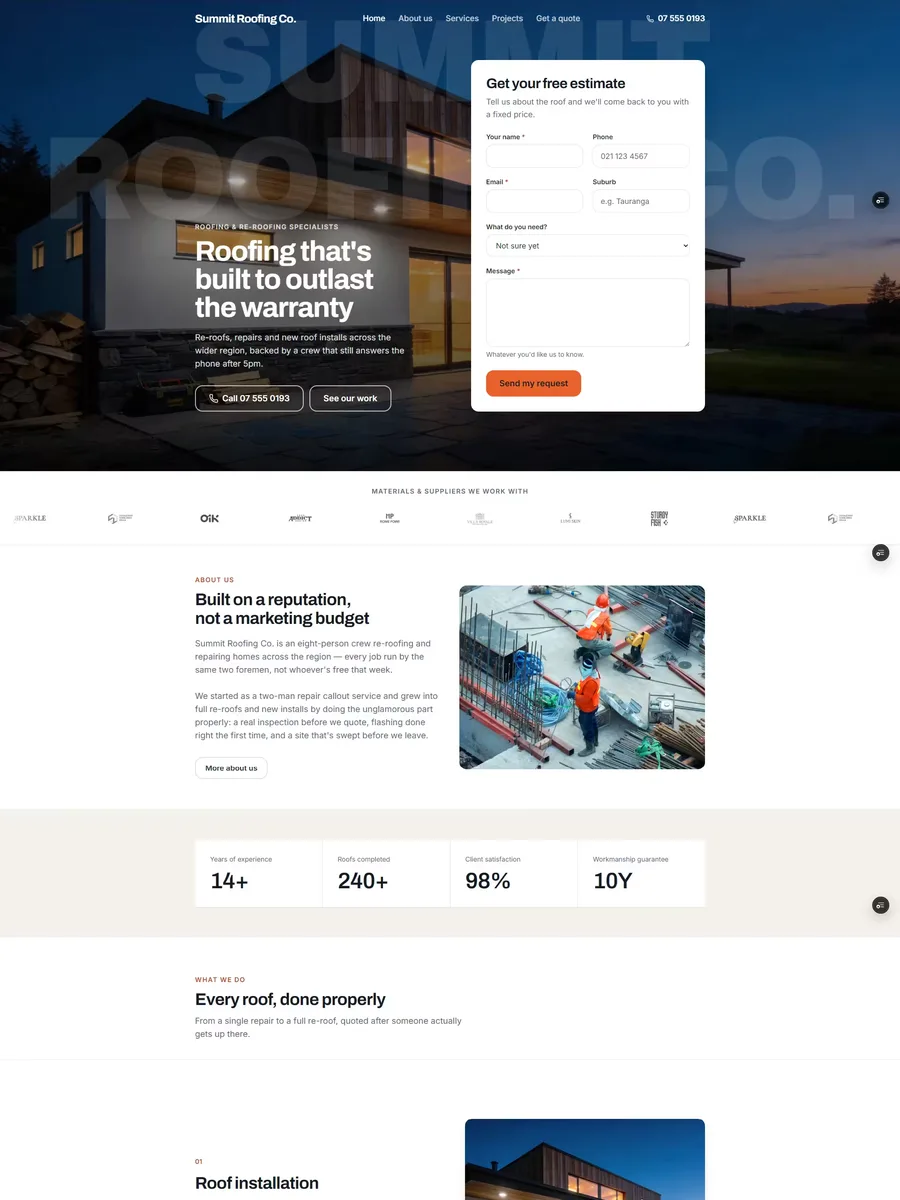
A full-bleed hero with the quote form built in, and services that stack as you scroll
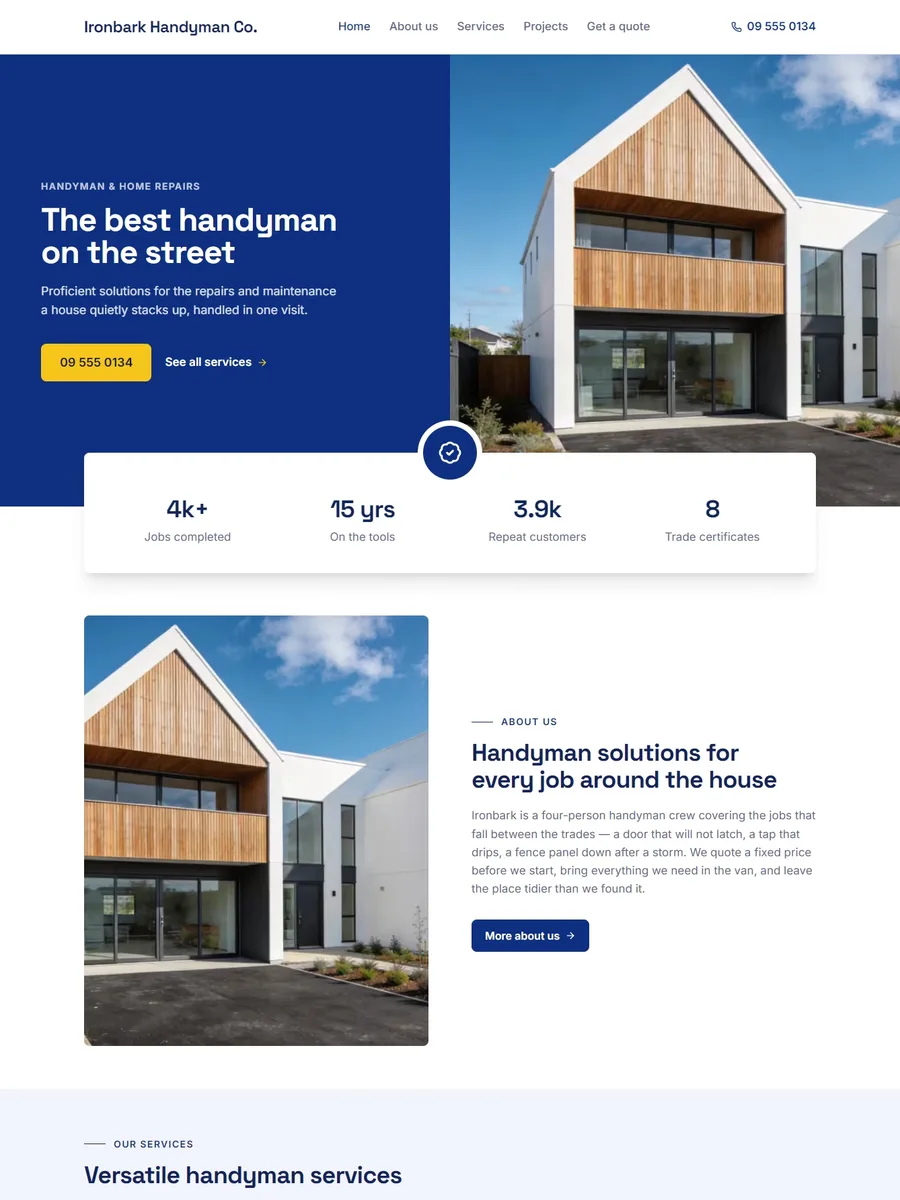
A hero split down the middle, and one hot colour kept for the button
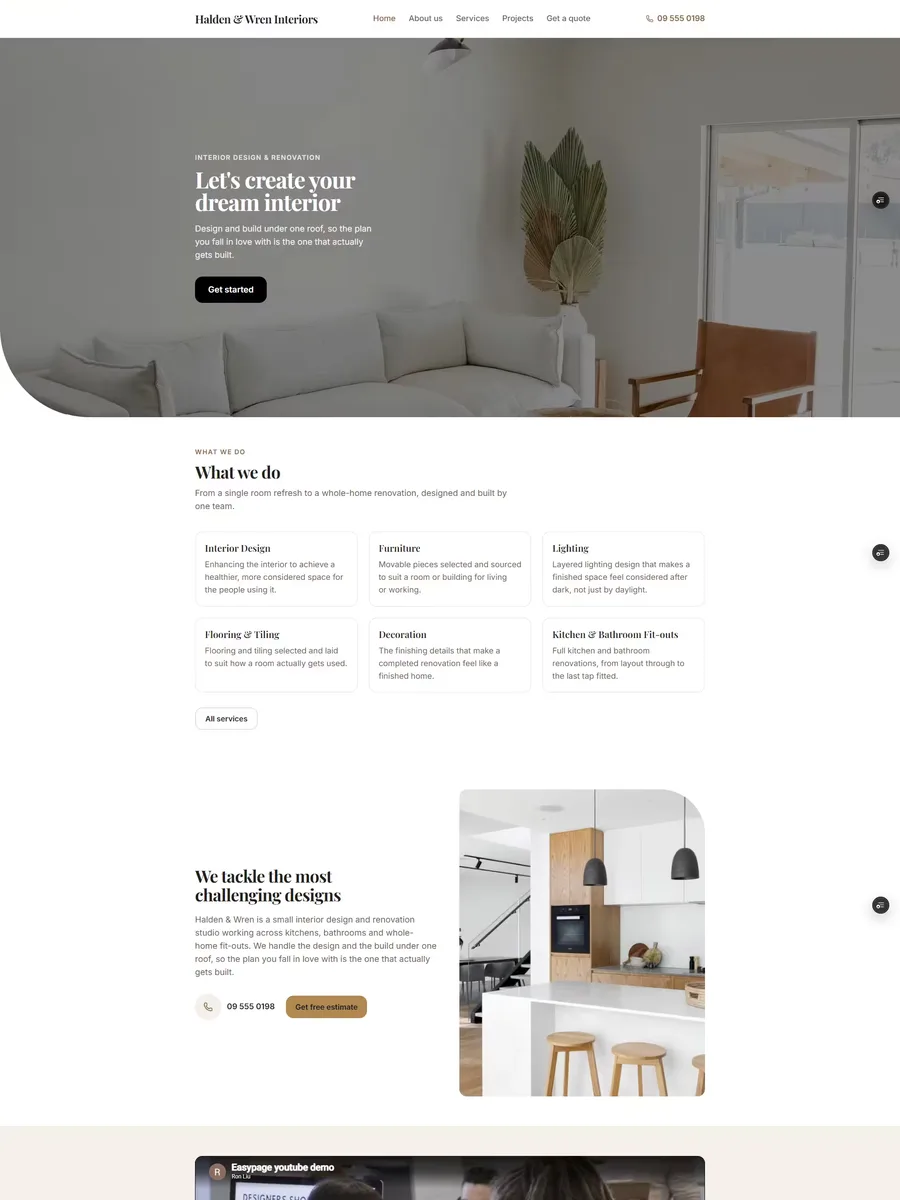
A photo hero with one big rounded corner, and a gold accent throughout
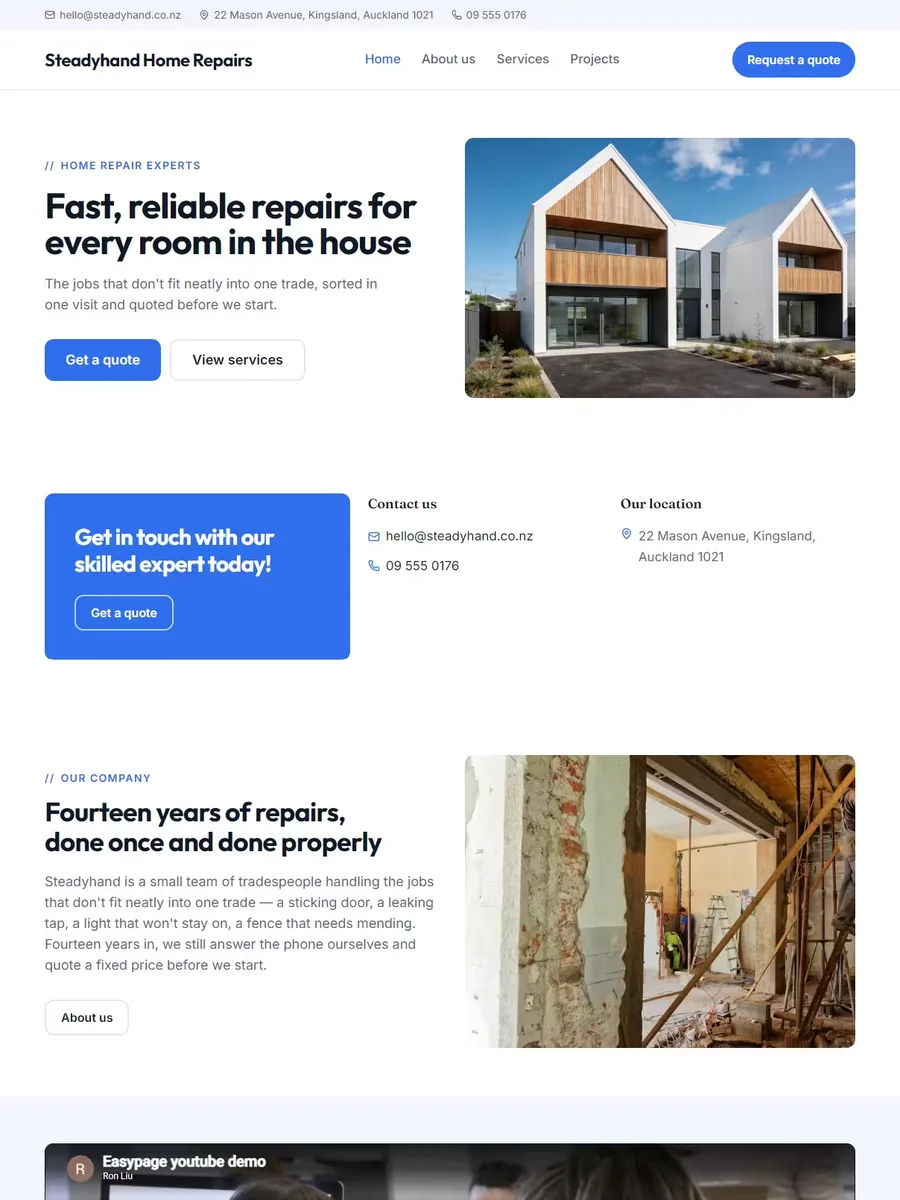
A blue call-to-action beside your contact details, right under the hero
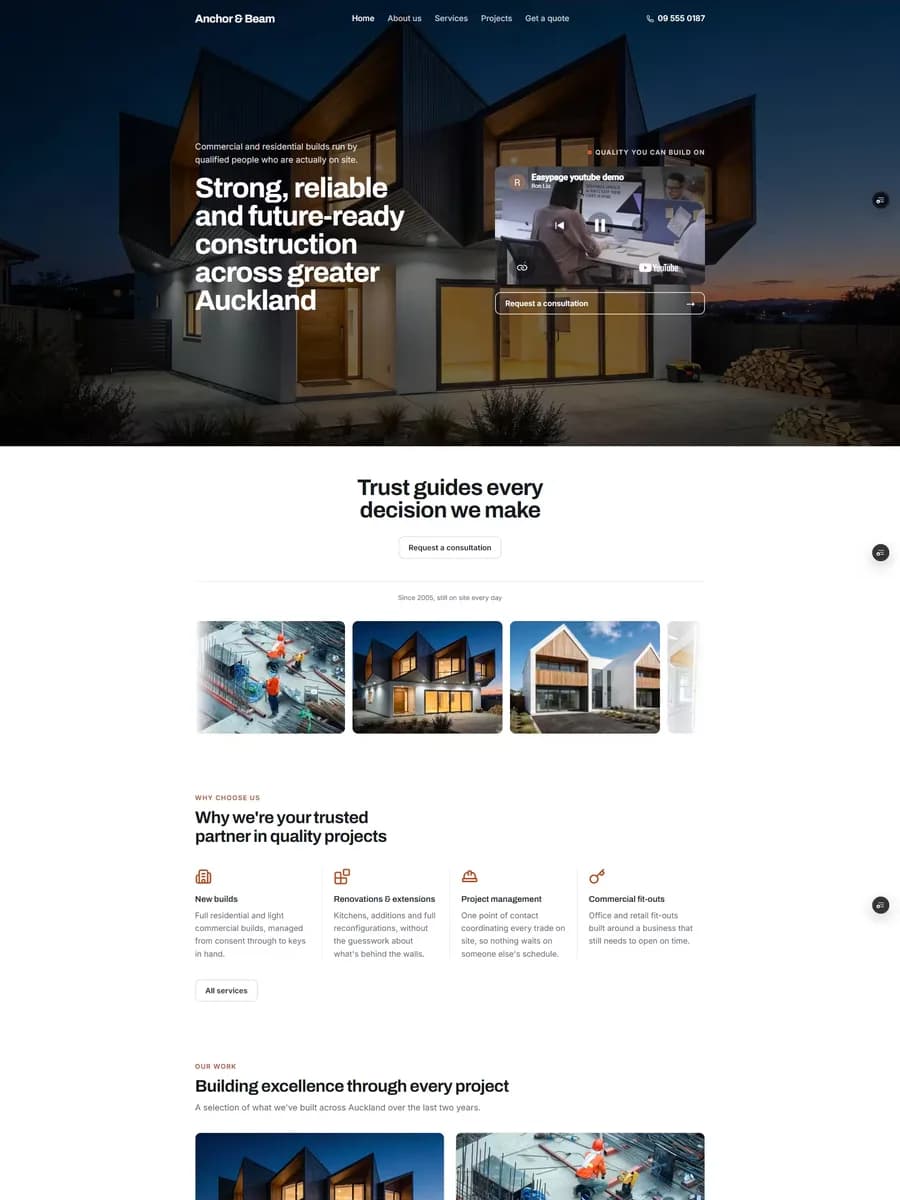
A full-screen photo hero and a site that runs on its own momentum
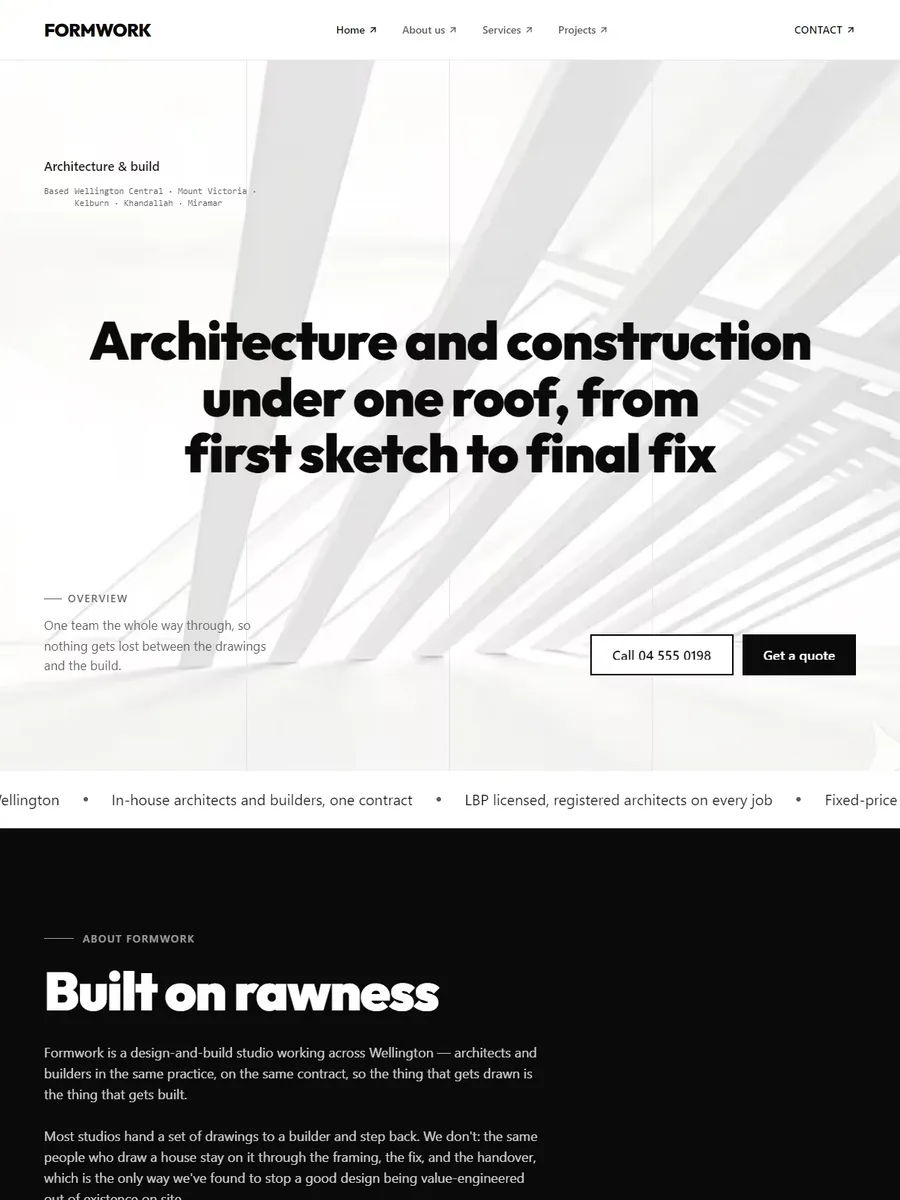
A full screen at a time, in black and white
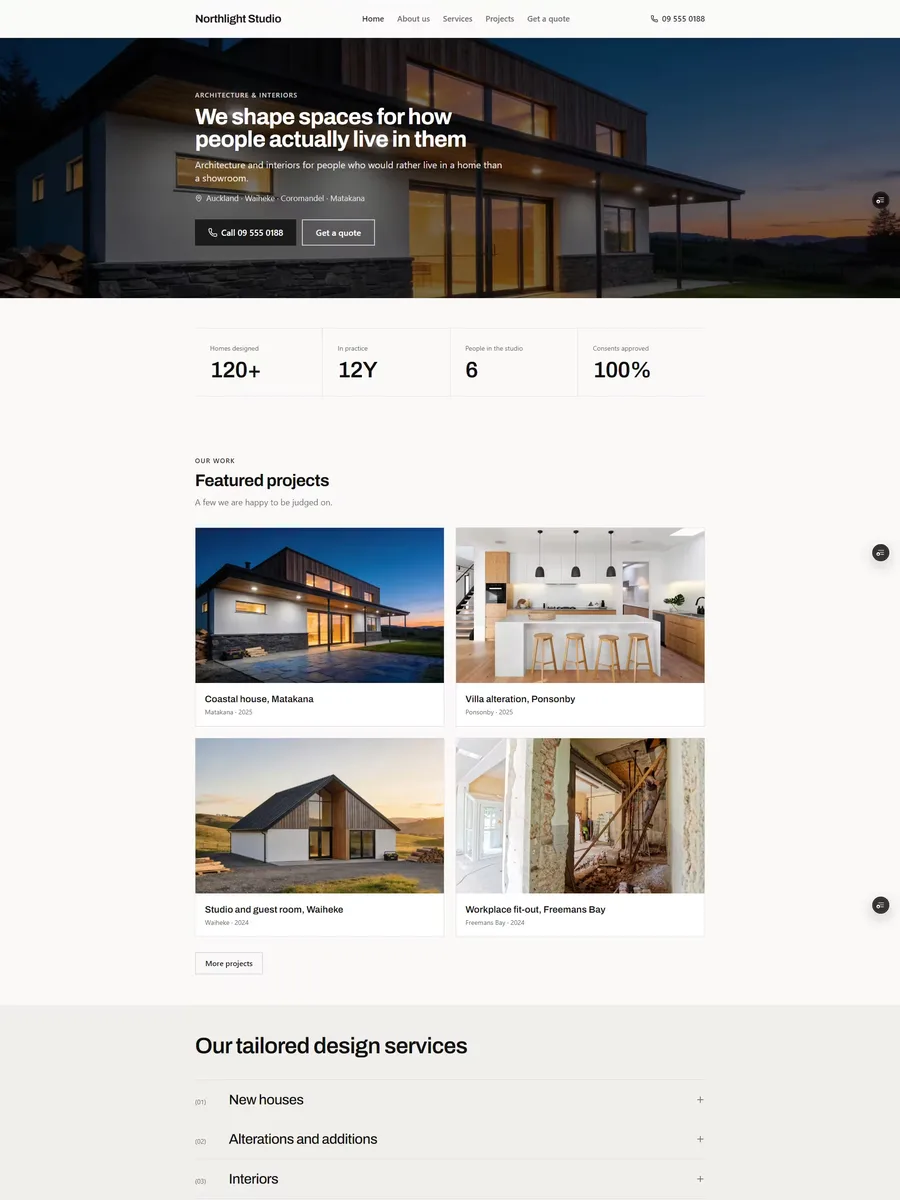
Quiet and editorial, for work that speaks for itself
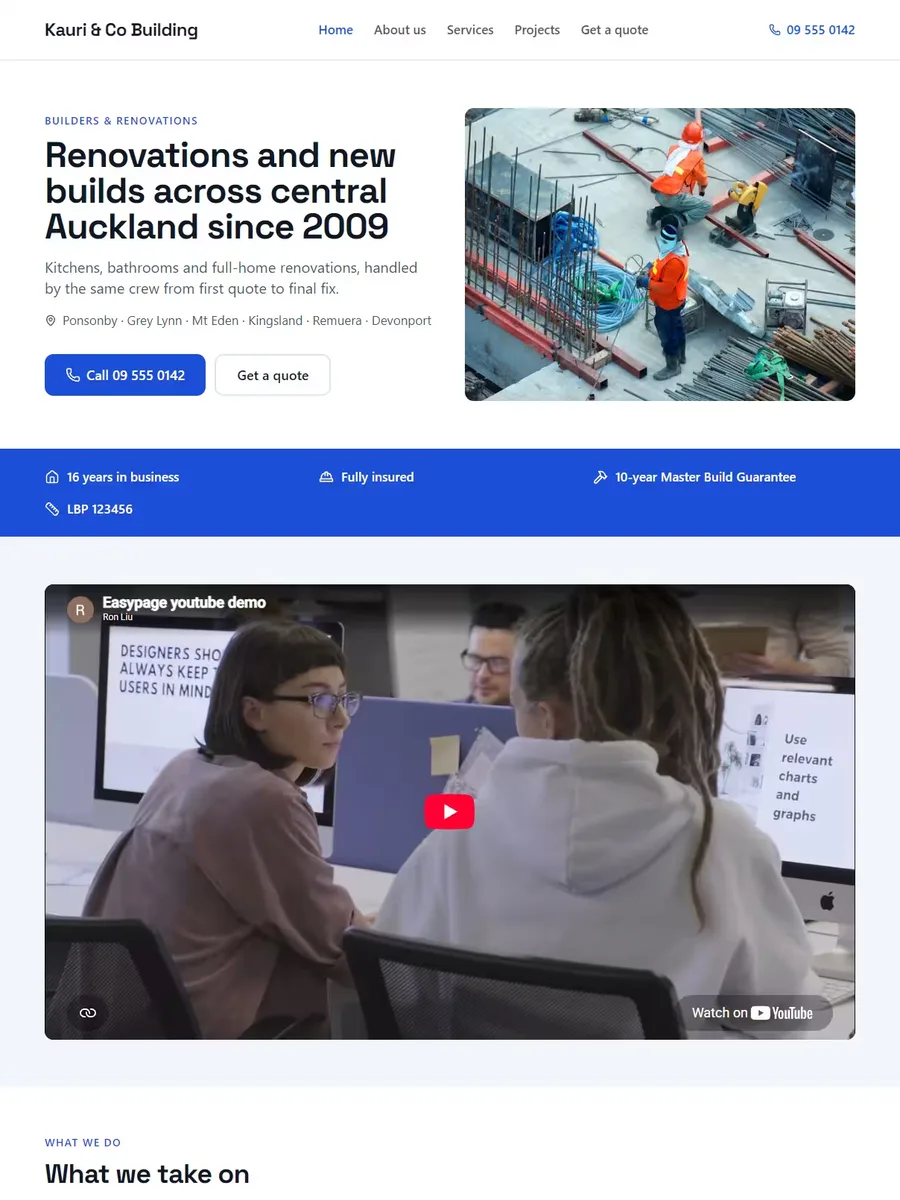
Everything a trade site needs, nothing it doesn't
As many as you like. Each one gets its own page with a cover photo, a description, the location, the year and a photo gallery. The home page shows the most recent three.
Yes — nothing about a project is required except the title, so a job in progress can go up with two photos and a line, and be filled in later.
No. Services and projects are both lists you control, so one site can carry both. Several of our builder designs are laid out for exactly that split.
Pick a design and start
Building it is free. $29 + GST a month with your NZ domain included — launch price, normally $39 + GST. Starter from $9.90 + GST, without your own domain.